 for Water Damage Restoration
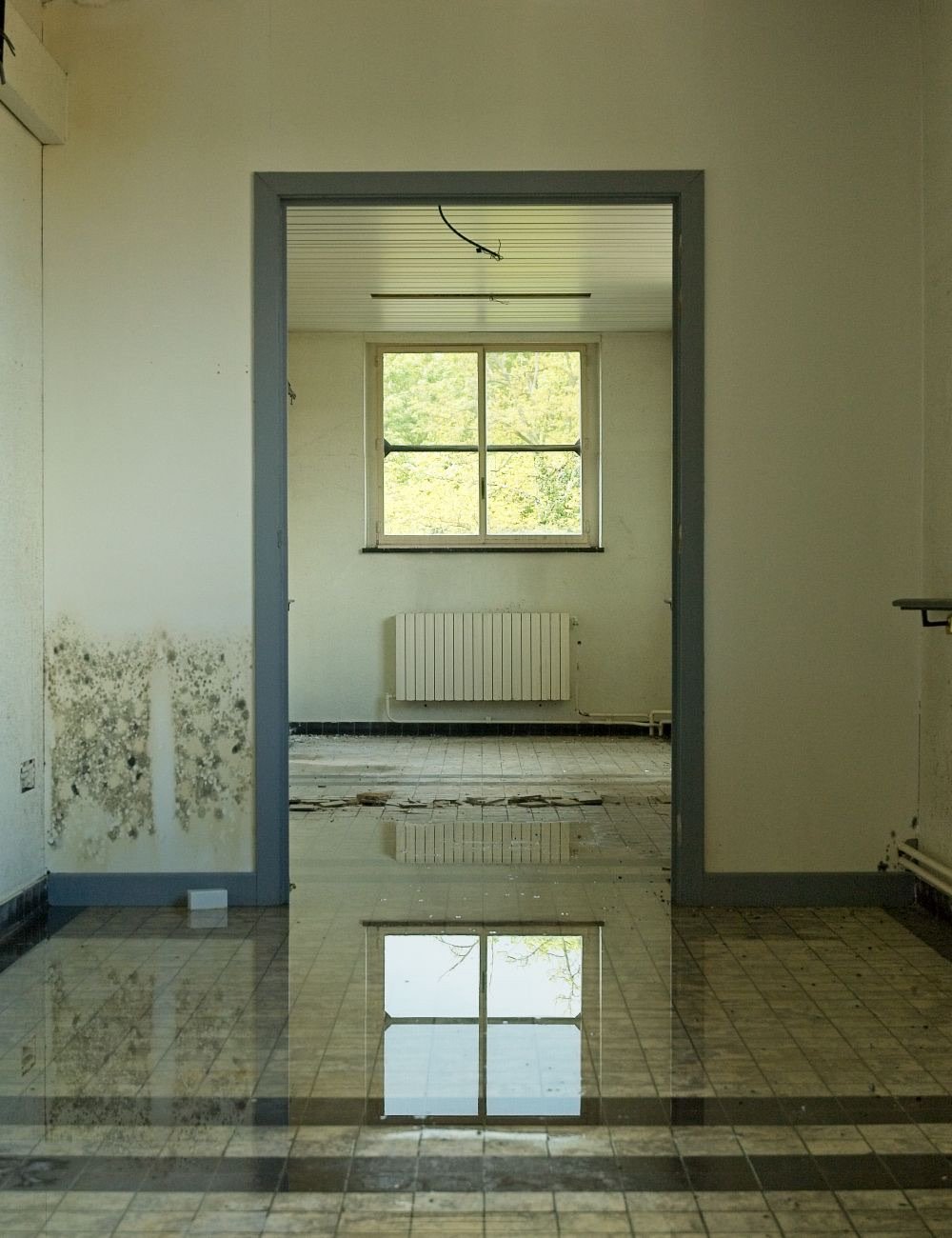
Water through the ceiling at 2am.
Your on-call phone rings at 2:01.
The dry-out stays on the list until it’s done.
The AI answers, says it’s recorded and that it’s your automated assistant, and takes the address and what’s wet. A flood is urgent by default, so your on-call number rings while the caller is still on the line. Days later, DONE from the house raises the invoice.
- No setup fee
- Cancel anytime
- We call you, usually within a working day
- On the number you give us, at a time that suits the job you are on.
- Fifteen minutes, about your calls and jobs
- What happens to a call nobody catches now, and what would happen instead.
- Nothing happens until you say so
- No card and no contract on the call.

BittaFlow AI
Tuesday · 2:10 am · nobody awake
Saved to the customer record
Ceiling leak · 31 Alder Way
- ✓Urgent request · on-call number rung
- ✓No water near electrics · hazard line not needed
- ✓Call recording and summary saved
Give it a ring
Ring it like a homeowner standing in an inch of water. Hear it take the address, hear what it says when you mention the sockets, and hear it ring the on-call line.
+1 (251) 862-1892Try asking it:
- · The washing machine hose burst and the kitchen’s flooded. Can someone come now?
- · There’s water dripping near the fuse box — what do I do?
- · Do you deal with my insurance company?
- · Am I talking to a real person?
On a laptop?
AI receptionist
Answered on the first ring.
✓ Answered by your AI receptionist · first ring
Live transcriptYour business
Jamie
The washing machine flooded the kitchen. Can someone come out?
AI receptionist
I can request tomorrow at 8:30 — the office will text to confirm.
Your job calendar
A request while they talk.
TomorrowYour business
SMS to Jamie R.
We have your request for 8:30 tomorrow. We’ll text when it’s confirmed.
✓ Delivered
While you work
It notices — and gets it ready.
Noticed
A homeowner is due a service
Noticed
Invoice #1042 is 14 days overdue
Noticed
Your campaign needs a fresh reply
Calls, Jobs
Invoices
The dry-out that nobody closed shows up in one list.
Needs attention lists the urgent callback nobody cleared, the job with equipment still out, and the DONE with no invoice.
- No setup fee
- Cancel anytime
Job reports
One call, all the way to Paid.
Eight steps. The on-call tech makes one decision at 2am; the rest moves on its own.
Missed call, answered
The AI picks up when you can’t, says the call is recorded and that it’s your automated assistant, and takes what’s wet and where.
Address and area checked
It takes the address and turns down places outside your service area.
Urgent goes to on-call
A flood rings your on-call number straight away. A slower job — a damp wall, a musty smell — waits as a request for the office to confirm.
A free technician
A busy technician is refused, with travel time between jobs counted.
The job stays open
While the fans and dehumidifiers run, the job sits in progress where the office sees it every morning.
DONE raises the invoice
Equipment out, one word from the house, and the invoice goes out with a pay-link.
Customer pays
From the link on their phone. If they’re claiming, they forward the invoice to their insurer.
Office sees Paid
The invoice turns Paid on the job. Nobody chases it.
✓ No setup fee✓ Cancel anytime
A burst pipe at 2am is a call. The dry-out is a job that stays open.
Water doesn’t wait for the office and neither does the flow. Then the equipment sits in the house for days, and the job has to stay on the list until it comes out.
02:10 · Caller
Water’s coming through the ceiling
The AI asks where the water is. If the caller says sockets, wiring or the panel, it reads the electrical-safety line first: stay out of the water, don’t touch switches, call 911 if anything is smoking.
02:11 · BittaFlow
Your on-call number rings
A flood is on the urgent list. If nobody answers, the caller is asked to leave the address and what’s happening, and an urgent callback is logged at the top of Needs attention.
02:40 · Office
Whoever is on call confirms the request
Address and what’s wet are on the job before the van leaves. The homeowner gets a text saying it’s in.
Day 1–3 · Technician
The job stays open while the fans run
Air movers and dehumidifiers stay on site. The job sits in progress, not DONE, so the office sees it every morning and nobody forgets a house.
Day 3 · Technician
Equipment out. Technician texts DONE.
The invoice goes out with a pay-link. If the homeowner is claiming, they forward it to their insurer; we don’t talk to the adjuster.
The hazard line is the product’s own, read before anything else when a caller says water and sockets in the same breath. It never tells anyone it is safe to stay, and it never guesses where the water is coming from.
On the record
Ceiling leak · 31 Alder Way
- Called
- 02:10 · urgent · on-call answered
- Hazard line
- Water near sockets · read first
- On site
- 2 air movers · 1 dehumidifier
- DONE expected
- Thursday · invoice on DONE
Home services / review drafts
Review drafts for home services.
Suggested wording for client feedback. These are examples awaiting approval, not published customer endorsements.
“Most of our calls come while we're working at someone's house. The text back gives the customer a way to send the problem and their address. The office can pick it up without waiting for us to listen to voicemail.”
“We can send the priced options to the customer's phone while we're on site. They can choose the work, sign and pay the deposit from the link. The office can see what was agreed before booking the job.”
“The job details are there for the technician, and the office can see the status without ringing them. When the work is marked done, the invoice and payment link follow the job instead of becoming another task to remember.”
A Wednesday at a six-van plumbing and HVAC company
One person in the office, six technicians on the road, and the phone ringing while all of them are under a sink.
Nobody rang a technician to ask where they were, and nothing priced on site missed the invoice.
- 7:55The missed callNobody can pick up. The caller gets a text back within seconds, replies with the problem and the address, and asks for an open slot — a request the office confirms.
- 8:30Nearest free technicianThe address was picked from Google, so the job lands on the map. “Any available” sends it to the closest technician who is free, and they are texted a link to the job.
- 9:10The customer knows who is comingThey are texted when the technician is on the way, and again when a job before theirs runs late.
- 11:45A quote signed on siteThe boiler needs replacing. Three priced options from the price book go to the customer’s phone; they pick the middle one, sign with a finger and pay the deposit.
- 15:20DONE raises the invoiceThe technician texts DONE. The booked work and the extra part priced on site become the invoice, the pay-link goes out, and the technician’s share lands on their balance.
- 15:40Rating, review, next visitThe customer rates the technician, a Google review request follows, and the annual service is one tap away on their page.
A composite day written to show how the software handles the work — not a customer story. The business is made up; every step is something the product does today.
What do missed calls cost you?
Move the sliders. Every number is yours.
312 missed calls / year
$299,520
a year, booked by whoever picked up.
It’s an estimate, not a promise of what you’ll earn. Every number in it is one you typed.
Start 3-day free trialPick a plan. Start with three days free.
Small Team
1 location · 5 users
$149/month
or $124/mo paid yearly · no setup fee
Start here. The AI receptionist, the jobs side and invoices. You set it up yourself.
What you get
- Everything in Solo
- 1,000 SMS and 1,000 WhatsApp messages a month
- SMS and WhatsApp marketing campaigns
Add-ons already includedworth $67/mo on their own
✓ 3-day free trial✓ Cancel anytime
Set it up in an afternoon.
Three steps, then the next 2am call runs the flow.
A few things you might be wondering.
Answered here so you can decide without a sales call.
The call comes at 2am. Who actually picks up?
The AI, on the first ring. It says the call is recorded and that it’s your automated assistant, takes the address and what’s wet, and because a flood is on your urgent list it rings your on-call number while the caller is still on the line. If nobody answers, the caller leaves a message and an urgent callback is logged.
What does it say when there’s water near the electrics?
A fixed line, before anything else: stay out of the water, don’t touch any switches, turn off the main breaker only if you can reach it safely, and call 911 if anything is smoking or sparking. It does not say it is safe to stay and it does not guess where the water is coming from.
A dry-out takes days. Does the job just sit as “booked”?
It stays open, in progress, on the jobs list until the technician texts DONE when the equipment comes out. Needs attention shows jobs that have been open with no update, so a house with fans in it doesn’t get forgotten.
Does it talk to the insurance company?
No. It takes the homeowner’s call and the homeowner’s details. The invoice it raises can be forwarded to a carrier, but estimates, scopes and adjuster conversations are yours.
Does the AI book the job on its own?
No. It takes the problem, the address and a preferred time as a request, and tells the caller the office will confirm. The request waits on your jobs list until someone in the office confirms it.
What if the caller is outside my area?
It checks the address against the service areas you set and tells the caller you don’t cover it, instead of taking a request you can’t keep.
What stops a job going to a technician who is already busy?
Every way of assigning a job checks the same rule: the technician is active, working those hours and not on another job, with your travel time between jobs counted. If it clashes, the office is asked first and can still choose “Assign anyway”.
How do I know nothing is stuck?
Needs attention lists requests unconfirmed for two hours, jobs today or tomorrow with no technician, jobs handed back, DONE jobs with no price or no invoice, invoices not sent, and customer texts that failed.
Does it work with Google Calendar?
Jobs are copied to your Google Calendar, and busy events in your Google Calendar block those times in BittaFlow — the AI, the website and the office cannot book over them. Each team member connects their own Google account; moving a job inside Google does not move it here, so reschedule in BittaFlow.
Can the phone bill run away from me?
No. Minutes stop at your plan’s allowance — callers past it are asked to leave a message and the office is told. If you’d rather keep answering, you set a ceiling yourself and minutes above the allowance are $0.50 each, never more than the ceiling you typed.
I run Google Local Services Ads. Does this change what Google charges me?
Not down. Since 1 October 2026 Google charges for a business-hours call that rings out past 20 seconds, and an answered call is a charged lead too. What changes is what you get for the charge: a request with the address and the problem on your list, instead of a missed call you paid for. Google also says missed calls hurt your responsiveness ranking; we can’t tell you by how much.
Does the caller know it’s an AI, and is the call recorded?
Yes to both, and it says so first: “This call is recorded. You’re speaking with <your business>’s automated assistant.” You can add a sentence to that line in settings; you can’t remove it. If a caller asks whether they’re talking to a person, it says it isn’t and carries on.
What’s included in the trial, and what does it cost afterward?
The trial is the Small Team plan for 3 days. A card goes on file but nothing is charged until the trial ends; then it is $149 a month with no setup fee, cancel any time.
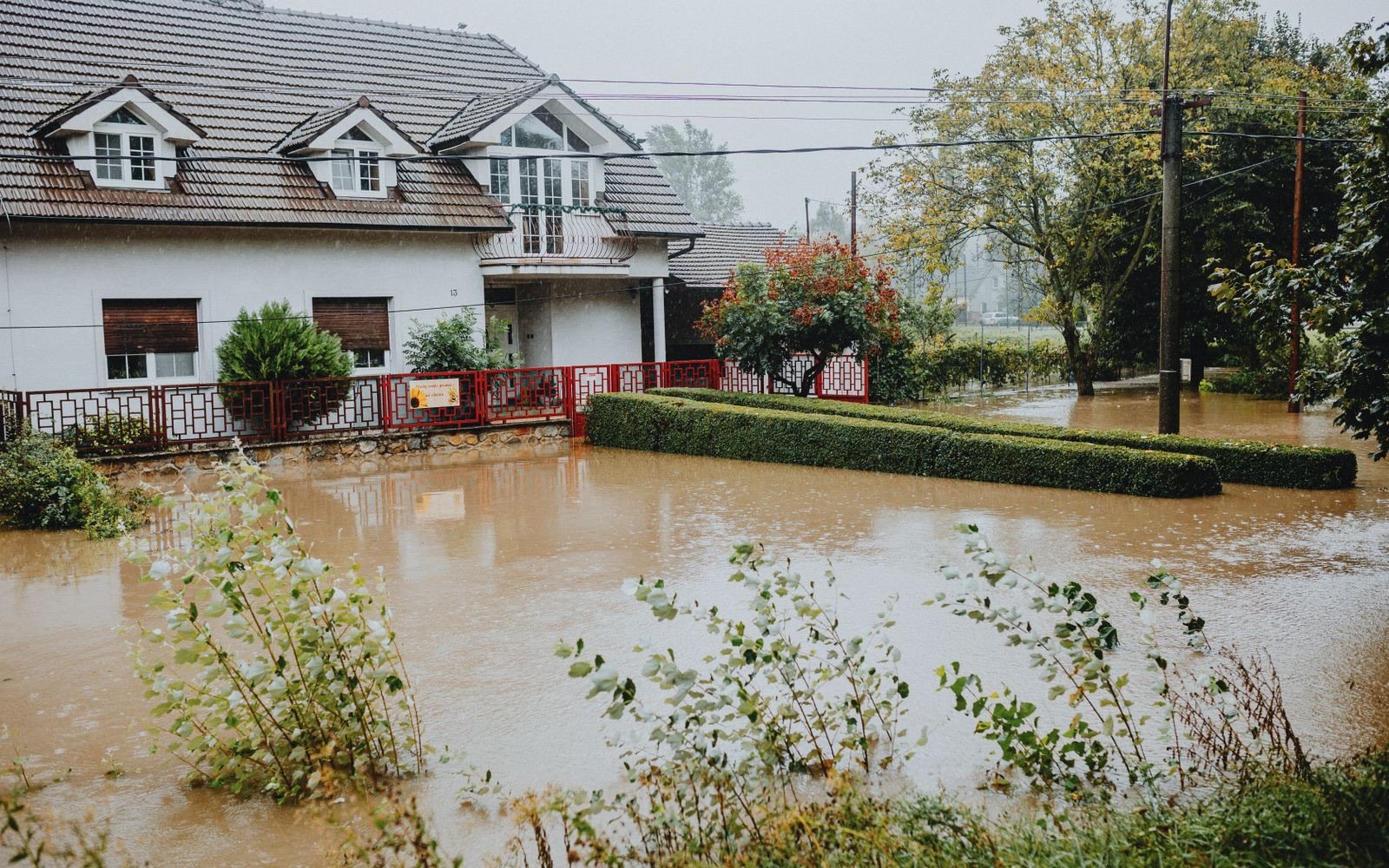
The next 2am call can end at Paid.
Three days free, no setup fee, minutes that stop where you say. Ring the demo first if you want to hear it.
No setup fee on Small Team. $149/month after the 3-day trial. Cancel anytime.
Not heard it yet? Have the AI call you first.
Rather talk to a person first? Book a 15-minute call.
Book the 15-minute call
Step 1 of 2How many crews do you run?
No obligation and no card. If it is not a fit we will say so on the call.
Would rather not talk to anyone? Start free.